
Shrinkray guide · iPhone
How to Send Videos from iPhone to Android
Choose a sharing method that works for both phones. Use RCS, a shared messaging app, or a download link, and make a smaller copy when size gets in the way.
Updated

iPhone · iOS 18 or later · Free with optional one-time Pro purchase
Check whether Messages uses RCS or MMS
Messages can send to Android using RCS or MMS. A green bubble alone does not tell you which one is in use. Availability depends on carrier support.
Apple’s RCS setup guide explains how to check Settings → Apps → Messages → RCS Messaging. RCS supports high-resolution photos and videos, but requires a supported carrier. If the setting is missing, it may not be available for your plan or region.
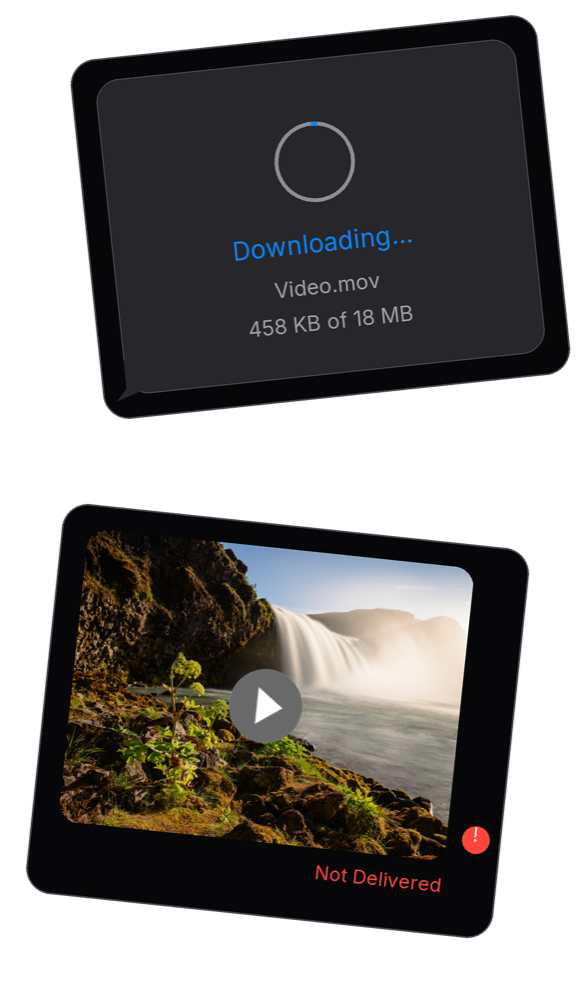
For an MMS conversation, the carrier may impose a smaller attachment limit or compress the video. Compressing first will not switch MMS to RCS or prevent further compression.
Choose how to send the video
- Messages: convenient when the conversation already supports the video you want to send. Check the service and attachment limits first.
- WhatsApp or another shared app: useful when both people already use it. Its own upload limits and media processing still apply.
- A download link: useful for a long video or when preserving the original matters most. Set sharing access so the recipient can open it.
If you choose WhatsApp, the WhatsApp video guide covers video and document attachments.
Make a smaller copy when needed
- Select the original. Open the video in Shrinkray or choose Shrinkray from its Photos or Files share sheet.
- Pick a preset. Compress one video with the included settings for free. Custom file size limits and additional quality controls require Pro.
- Compare the result. Check size, faces, movement, and audio. Compression cannot recover detail already missing from a blurry copy.
- Send the copy. Share it through the chosen app and ask the recipient to check that it plays properly.
If it arrives blurry or will not play
Check the smaller copy on your own phone first. If it looks clear there but arrives blurry, the delivery service may have processed it again. Try a file attachment or a download link instead of compressing it further.
If the video will not play, its format may be unsupported. Try the original or export it in a format the recipient’s phone supports. A smaller file alone does not ensure compatibility.
Shrinkray processes copies on your iPhone and leaves your originals untouched. The sharing app and recipient’s phone still affect delivery and playback.
Try Shrinkray for free.
Compress one photo or video at a time with the included settings. Your originals stay untouched.
iPhone · iOS 18 or later · Free with optional one-time Pro purchase