
Shrinkray guide · iPhone
Send Large Videos on WhatsApp from iPhone
Make a smaller copy of an iPhone video for WhatsApp. Send it as a video or document, or use a download link for a long recording.
Updated

iPhone · iOS 18 or later · Free with optional one-time Pro purchase
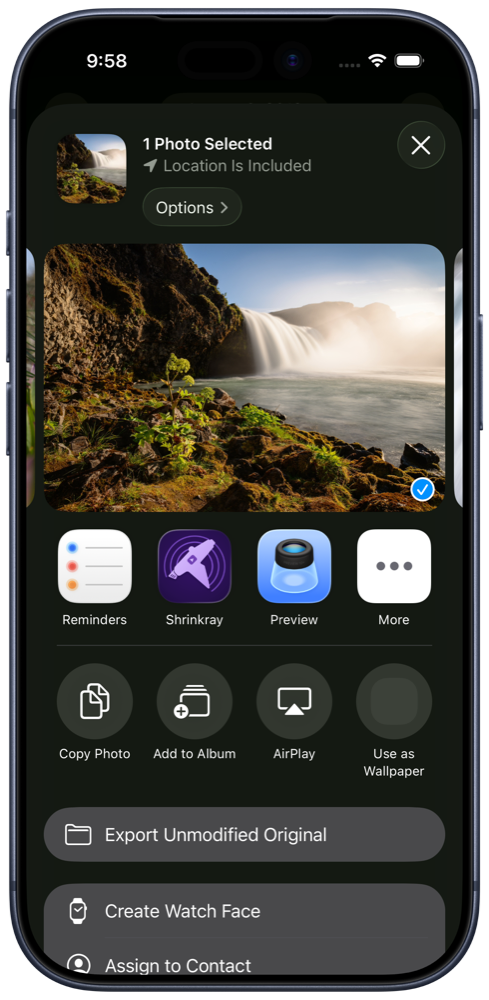
Choose how to send it
WhatsApp treats videos and document attachments differently. Its media-sharing help lists different video limits depending on the connection and a separate document limit. Check the limit for the sharing option you choose in your app.
A video attachment is easy to watch in the conversation. You can also send the file as a document. For a very long recording, a download link may be easier than making a tiny copy.
Compress and share a video
- Select the video. Choose the video in Shrinkray, or select it in Photos or Files and open Shrinkray from the share sheet.
- Pick a preset. Start with the included settings. Custom size limits and more quality controls require Pro.
- Preview the copy. Compare sizes and play the result. If it looks too soft, try a higher-quality setting from the original.
- Share to WhatsApp. Choose WhatsApp from the sharing options, select the chat, and review the attachment before sending.
WhatsApp may compress the video again, so the sent version can look different from your preview.
Send the copy as a document
Save the smaller copy to Files using the sharing options when available. In the WhatsApp conversation, tap the plus button, choose Document, and select the saved file. Check the filename so you attach the copy you just made.
The document option has a larger allowance than video sharing, so your original may already fit. A smaller copy can still be useful on a slow connection.
Send several items or a longer video
For several photos and videos, follow the multiple-attachment guide. Shrinkray includes a limited free batch allowance; Pro unlocks batch use after it runs out.
For a long recording, automatic splitting with Pro can create smaller clips when needed. WhatsApp Status has separate duration requirements.
Single-item compression with the included settings is free. Shrinkray keeps the original and processes the copy on your iPhone.
Try Shrinkray for free.
Compress one photo or video at a time with the included settings. Your originals stay untouched.
iPhone · iOS 18 or later · Free with optional one-time Pro purchase